Starlink for Truck Camper: Mobile Internet That Actually Works on the Road
I did not buy internet gear for my truck camper because I loved gadgets. I bought it because I missed a work call from a beautiful dispersed site in Utah, with one bar that came and went every time the wind moved a juniper branch. That is the real test for Starlink for truck camper setups: not the speed on a perfect morning, but whether you can still join a meeting when the site is imperfect, the weather turns, and everyone else in the park logs on at the same time.
Here is the honest version. There is no single box that wins everywhere. Satellite is best where there is no cell signal and a clear sky. Cellular is cheaper and often better near towns. Campground Wi-Fi is a bonus, not a plan. The owners who stay connected longest have two ways online, a power plan that matches the draw, and a habit of testing the connection before the call that matters.
How much internet do you actually need?
Before you spend anything, count your real week, not your hopeful week. Email and maps sip data. Video calls drink it. Evening streaming can eat more than a whole workday.
As a rough guide, not a promise: light email, browsing, and maps for a week often land well under 20GB. A few hours of video calls a day, plus cloud backups, can push a remote worker past 100GB in a couple of weeks. Add nightly HD streaming for two people and you are in unlimited-plan territory fast. My rule now: if work pays the bills, buy for the busy week, not the average week. If the camper is mostly for weekends, start small and upgrade only when you actually hit the limit twice.
Starlink for truck camper travel: Mini vs Standard
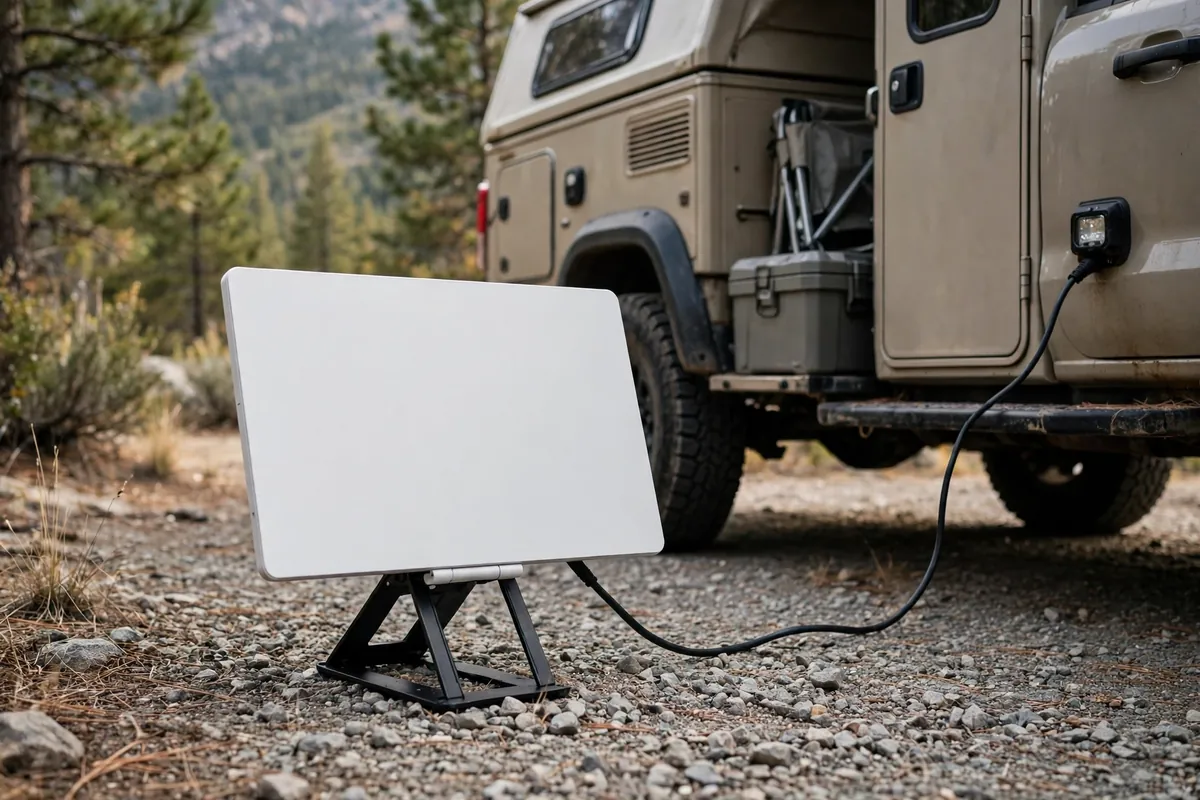
For most truck campers, this choice is simpler than the forums make it look. The Starlink Mini is the camper-friendly dish: about laptop-sized, about 2.43 pounds, with a built-in Wi-Fi router, an IP67 weather rating, and 12–48V DC or 100W USB-C power with Starlink’s adapter cable. That matters in a small rig where every inch and watt is already spoken for.
The larger Standard dish gives you a bigger antenna and a separate Wi-Fi 6 router, but it draws roughly 75–100W, takes far more storage, and is harder to move when trees get in the way. It suits a parked, power-rich, full-time setup. If you move often, the Mini is the one I would buy first.
Both dishes need the same thing above all else: sky. A clear view overhead, without branches, canyon walls, awnings, or a tall neighbour’s rig cutting across it.
Roam plans, in plain English
Truck campers need Roam, not a fixed home plan. As checked in October 2026, U.S. Roam tiers were $55 a month for 100GB of high-speed data, $80 for 300GB, and $175 for unlimited, taxes extra and prices subject to change — check current pricing on Starlink’s Roam page before you order.
On the capped plans, you do not get cut off when the allowance runs out. Service continues at low speed — fine for messages and maps, miserable for video. Unused data does not roll over, and you cannot simply buy a few extra gigabytes. If you burn through 100GB on day twelve, the practical fix is an upgrade, not a top-up.
Standby Mode is now the paid pause, reported at $10 a month in 2026. It keeps reactivation easy, but it is not full-speed and not meant for in-motion use. For three months of travel a year, Standby for the off months beats paying full Roam all year.
International travel has its own trap. In 2026 reporting, only Roam Unlimited supported travel outside your home region, for up to 30 days at a time after travel registration, with the U.S. and Canada treated as one region. The capped plans were home-region only. Sort this out before you cross a border, not after.
The tree problem is real, and it is fixable
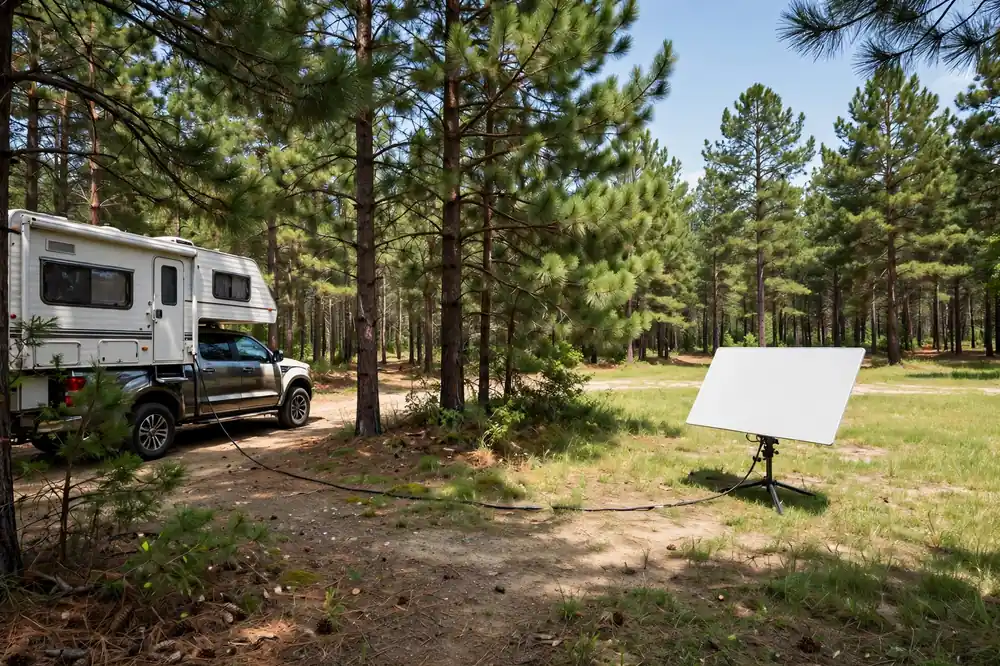
Owners on Reddit and in truck-camper forums report the same pattern: Starlink is brilliant in the open desert and frustrating under a thick canopy. One truck-camper owner profiled by Truck Camper Magazine put it bluntly — his only problem was trees or a canyon wall blocking the northern sky. Another owner working remotely across the West reported 100 Mbps or better in open country, with real trouble only in busy areas at peak evening hours, not during his workday.
The fix is rarely a more expensive dish. It is a better spot for the dish you already own.
Do the obstruction scan in the Starlink app at dish height, where the dish will actually sit, not at chest height beside the fire ring. Walk the site before you level and hook up. If the pretty, shady site fails the scan, ask for a sunnier pad while the office is still open, or put the dish on the ground in a clearing. Owners on iRV2 report exactly this workaround: a magnet-mounted Mini on the roof for travel, removed and moved out from under the trees when the site demands it. A fixed roof mount is convenient until the one site you really want to work from is the one where the roof is under branches.
I keep a ground setup in the kit even though I mostly roof-mount. The dish, kickstand, and longer cable weigh almost nothing compared with a lost workday. Do not drill a permanent roof mount until you have lived with a removable setup for a few trips.
Power: the part people underestimate
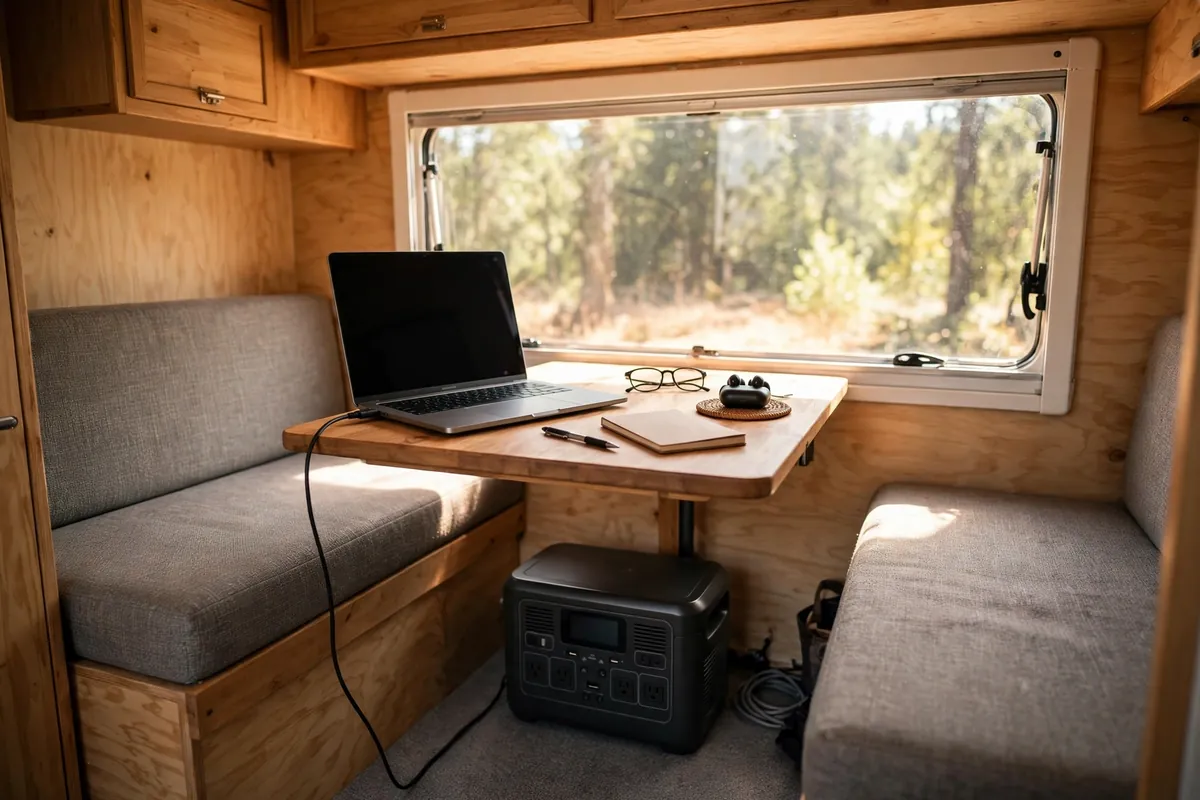
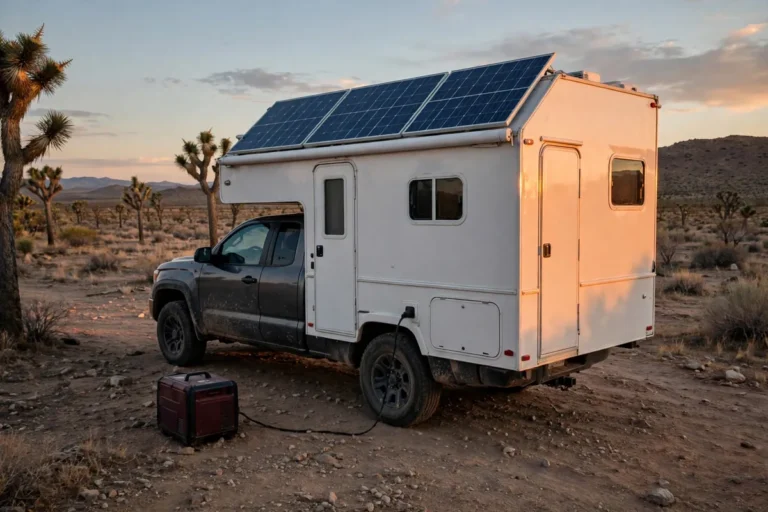
The Mini typically draws about 25–40W. That sounds small until you run it all day: eight hours at 30W is 240 watt-hours before inverter losses, laptop charging, lights, and fridge cycling. The Standard at 75–100W can double or triple that. Internet and power have to be planned together, not bought separately.
Run the Mini straight from DC or USB-C and you skip inverter waste. Run it from a power station on AC and budget for conversion loss. Either way, turn the dish off when you are done. I have watched owners leave Starlink running all night “just in case,” then wake up to a battery that cannot also run the heater fan. Starlink is not a background appliance in a truck camper. It is a tool you switch on for work, then switch off.
For the full sizing math, work through our truck camper solar and lithium sizing guide before you buy a bigger battery just for internet. A modest lithium bank and realistic solar array will carry a Mini through a workday far more comfortably than a single lead-acid battery and hope. If you would rather carry power than build it in, compare our best portable power stations for truck camping guide, and read truck camper generator vs solar before you decide a generator is the answer to a 30W problem.
Mounting a dish on a truck camper without regret
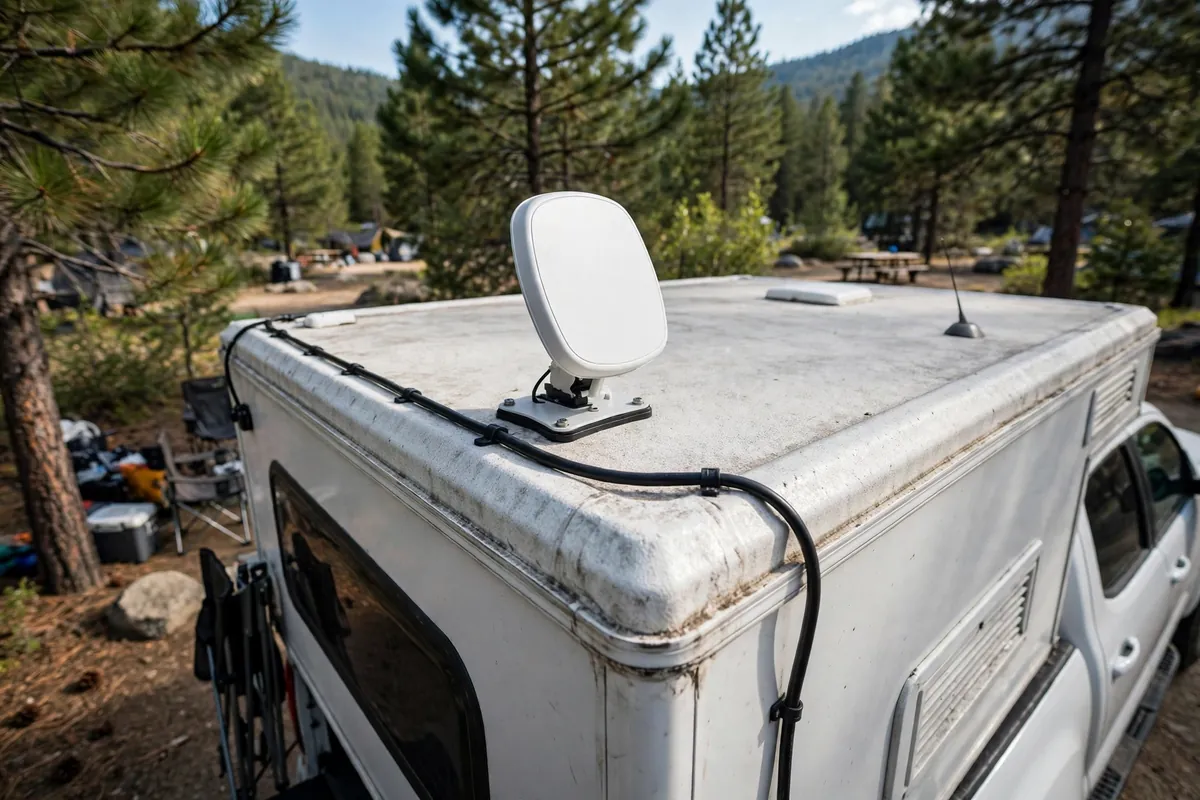
Four mounting styles actually work on a truck camper.
A flat roof mount is set-and-forget: tidy, travel-proof, and above most low obstructions. Its weakness is the tree problem above — you cannot move the roof.
A ladder or telescoping pole mount buys height over a fence or awning. It does not help under a full canopy, and a tall pole on a windy ridge is a sail. Secure it properly, or do not raise it.
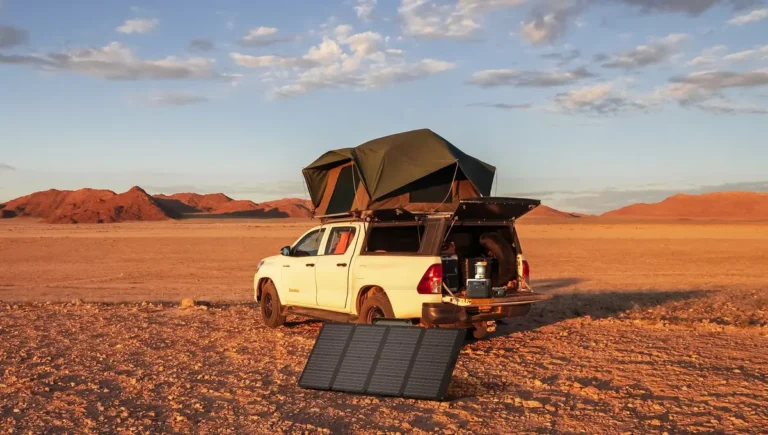
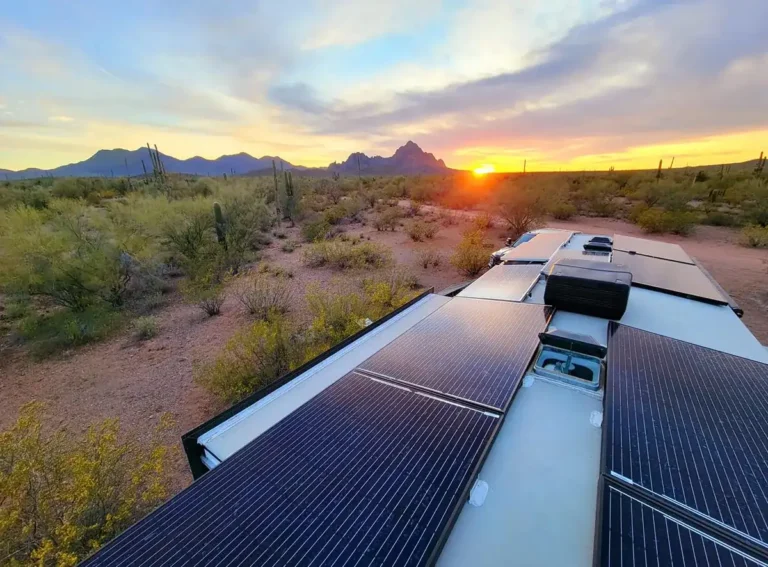
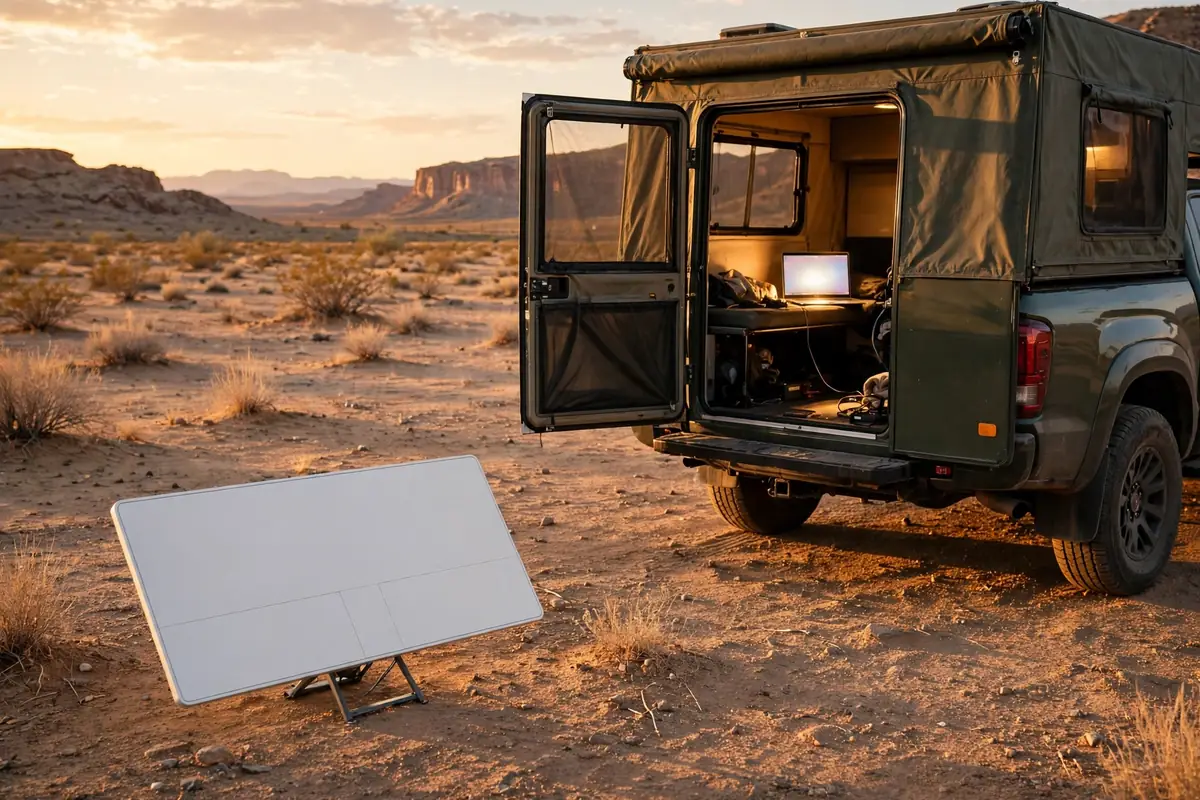
A ground mount — kickstand or tripod — is the most flexible option. You park in the shade, walk the dish into the sun, and run the cable back. Route the cable where feet do not go, and bring the dish in at night if the site feels exposed.
A suction or window mount is a parked-only experiment, not a driving solution, unless its maker rates it for driving in that exact position. Roam in-motion support, reported up to 100 mph for compatible dishes in authorised locations, is permission for the service, not a safety rating for your mount. A kickstand on the dash is not a driving mount. Never put a dish where it blocks your view or sits near an airbag.
Whatever you choose, protect the cable: run it through a proper entry point, not pinched in a door seal. The dish is tough, but the cable fails first.
Cellular: the cheap, fast backup that saves most trips
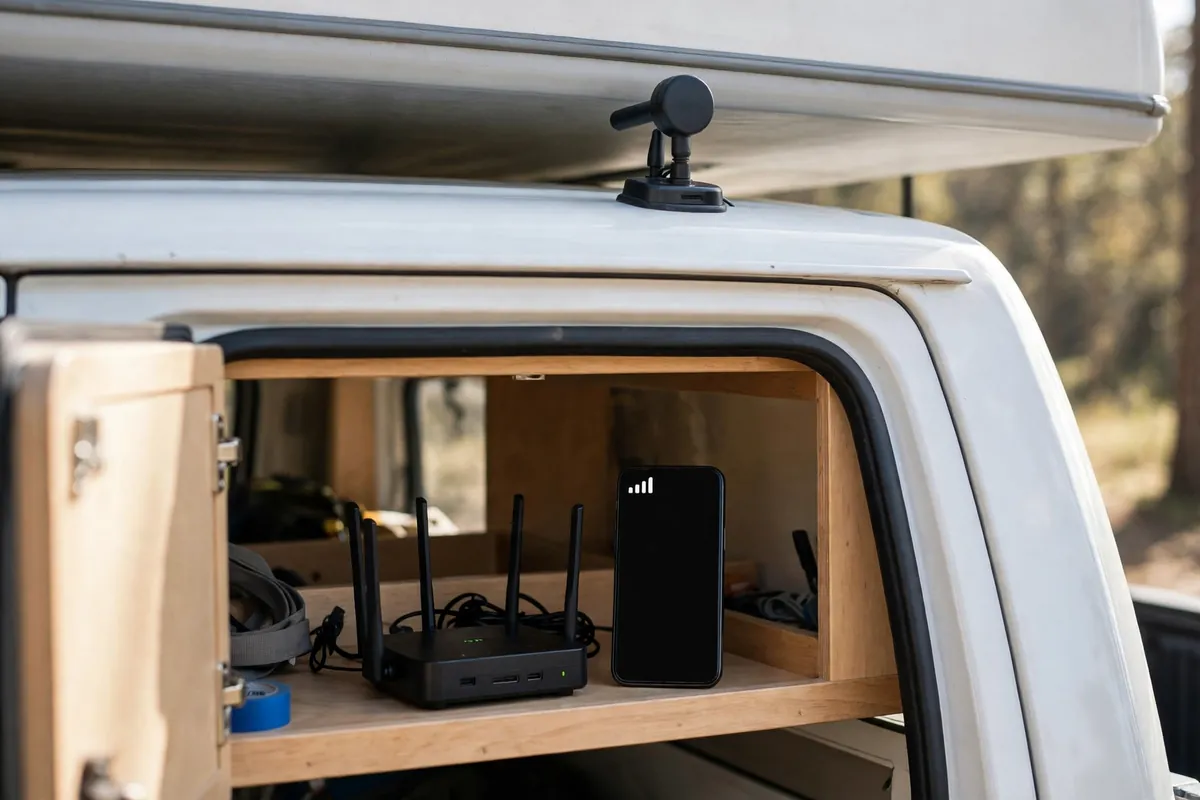
Cellular quietly saves more workdays, because most campgrounds are not truly off-grid. They are just at the edge of a tower’s reach, where a phone inside a metal-and-fibreglass box shows one bar and gives up.
Start with what you already pay for. Your phone’s hotspot will cover a weekend, a short call, and a night of maps. Its limits show up fast: the phone heats up, the battery drains, and its little antenna fights the camper walls. A dedicated hotspot or small cellular router with an external roof antenna is a real step up. Put the antenna outside the metal box, and the same tower suddenly looks a lot closer.
Owners on iRV2 describe the booster reality better than any sales page. A booster takes a good signal and can roughly double usable data rates. It takes an almost-no signal and may give you a phone call or slow data. It cannot create signal where there is none. That is the sentence to remember before you spend $500. If your phone shows no service at all, a booster will not fix it. If it shows one weak bar that drops in and out, a booster and a high outside antenna have a genuine chance.
Practical lessons from those threads: get the outside antenna up high, keep proper separation between outside and inside antennas or the unit will fight itself with feedback, and test at your actual site. A booster that works at a highway rest stop can do almost nothing in a deep canyon. See weBoost’s booster vs satellite comparison.
For a cleaner setup, a dual-SIM cellular router is the grown-up version of “two phones, two carriers.” A router like Peplink’s BR1 Mini lets you run two carrier SIMs and fail over between them, and with the right setup it can also take Starlink or campground Wi-Fi as another input. See Peplink’s BR1 Mini 5G page. You do not need the most expensive model. You need two carriers that do not share the same dead zone. In my experience, Verizon and T-Mobile cover different gaps in the West, and AT&T fills a third set. Check coverage for the states you actually travel in. One carrier is a gamble. Two carriers is a plan.
Download maps and the next day’s files the night before. Offline downloads turn a thirty-minute outage into an annoyance instead of a missed deadline.
Campground Wi-Fi: use it, never depend on it
Campground Wi-Fi fails in a predictable pattern. It works at 6 a.m. It crawls at 8 p.m., when everyone streams at once. Far sites are worse than sites near the office, because each repeater hands off a weaker signal than the one before it. And the camper itself blocks signal — aluminium, insulation, and appliances turn your rig into a partial shield, so Wi-Fi that looks fine outside can vanish inside.
A Good Sam forum thread put the maths in brutal terms: a park with 100 sites, four devices per site, and a modest park connection leaves almost nothing per device once everyone is online. That is not one bad park. That is how shared Wi-Fi works when it is stretched too thin.
So use campground Wi-Fi for light browsing, a quick upload, or a backup — never for a client call unless you have tested it at that exact hour, inside the camper, door closed. An extender can pull a weak signal inside, but it cannot create bandwidth the park does not have.
Treat any shared park network as public, and use a VPN for sensitive work on a network you do not control.
A workday routine that actually holds up

Gear gets you online. Routine keeps you online. Mine is boring, and that is why it works.
The night before a workday, I charge everything, download the files I need, and check the next site’s coverage if I am moving. In the morning, I run the obstruction scan before coffee, not five minutes before a call. I join two minutes early on the connection I plan to use, with the backup already powered and tested — not still in a bag. If the call matters, I warn the other person at the start: “I am on satellite from a camper, so if I freeze for a few seconds, give me a moment.” People are far more forgiving when warned than when they think you have vanished.
Big uploads, cloud backups, and software updates go overnight or at lunch on the fastest connection I have, never five minutes before a deadline. I also keep a paper backup of critical numbers — site address, next reservation, a phone number that matters — because the day your internet fails is the day you will need the one thing stored only in the cloud.
If you are new to this way of travelling, our truck camping how-to-start guide covers the wider setup that internet gear sits inside. Internet does not fix a bad site or a dead battery.
What to buy, by how you actually travel
Weekend campers who mostly stay near towns: start with your phone hotspot and a second carrier on a cheap prepaid plan if your main carrier has gaps. Add a booster only after you have found a weak-signal site you return to. You probably do not need Starlink yet.
Part-time remote workers travelling a few weeks at a time: this is the Mini’s sweet spot. Get the Mini on the 100GB or 300GB Roam plan, keep your phone hotspot as backup, and add a small cellular router if you juggle multiple devices. Use a removable mount until you know your parking habits.
Full-time remote workers: run two paths from day one. Starlink Unlimited for deep sites, plus a dual-carrier cellular router for towns, driving days, and peak-hour congestion. Budget honestly — that combination is a real bill — and keep a power system that can run it without daily anxiety. Our boondocking and dispersed camping guide is worth reading alongside this, because the best internet sites are often dispersed sites where power, water, and sky all have to be planned together.
Test the backup on a boring Tuesday: switch to cellular mid-call with a friend, on purpose, and move the dish to the ground setup once, in daylight. The first time you do any of these should not be the time it matters.
Frequently asked questions
Does Starlink for truck camper use work while driving?
On a Roam plan, Starlink supports in-motion use up to 100 mph for compatible dishes in authorised locations, per 2026 support reporting. Standby Mode does not. Your mount must also be rated for driving, the cable secured, and the dish clear of your view. Passengers can stream; the driver drives.
Is the Starlink Mini enough for remote work, or do I need the Standard dish?
For most truck campers, yes. It handles video calls, browsing, and streaming in open sky, draws far less power, and is easier to move when trees block the roof. Choose the Standard if you park for long stretches, run many devices, and have the battery and storage for its higher draw and larger size.
Can a cell booster replace Starlink?
No, not where there is no cell signal at all. A booster amplifies an existing signal; it does not create one. It is excellent for turning one weak, flaky bar into a usable connection, especially with a high outside antenna. It is not a substitute for satellite in a true dead zone.
How much power does Starlink use in a truck camper?
The Mini typically draws about 25–40W, so an eight-hour workday uses roughly 200–320 watt-hours before other loads and losses. The Standard draws roughly 75–100W, so the same day can use 600–800 watt-hours or more. Run on DC where possible, switch off when done, and size your battery for the workday.
Should I rely on campground Wi-Fi for work?
Only as a backup, and only after testing it at the hour you need it, inside the camper. Shared park Wi-Fi often slows sharply in the evening, and far sites served through repeaters are usually slowest. If a call matters, use your own Starlink or cellular connection.